ManyCam Help
Using ManyCam with all Software & Websites
Learn how to use ManyCam with apps and websites like Youtube, Ustream, Facebook Video Chat, Google
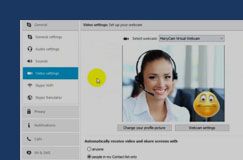
Hangouts, Ustream and many more. Go to whatever application or website you are using and choose ManyCam as your video and audio source to use it there. When ManyCam is your video source you can use your webcam with multiple applications and websites simultaneously. For example you can use MSN, Skype, and Justin.tv simultaneously with ManyCam.

-
ManyCam Demo VideoSee ManyCam in action.
-
Getting StartedLearn how to install ManyCam, get started using ManyCam, and access all our awesome video and audio features.
-
ManyCam User GuideLearn how to install ManyCam, get started using ManyCam, and access all our awesome video and audio features.
-
Activate ManyCam ProGo to the top left ManyCam menu and choose "Activate ManyCam Pro".
Visit the link to see a screenshot and learn more. -
Creating ManyCam Custom Webcam EffectsCreate your own custom webcam effects for our ManyCam software. This fun guide will help you get started and you don't have to be a Photoshop master to make fun effects. Once you have created a fun effect you can submit it to our effects library.
-
Downloading and adding new .mcv and audio effects from ManyCam.comLearn how to download and add fun webcam effects to ManyCam from our ManyCam effects library.
-
Add IP Camera as a video sourceLearn how to add an IP camera as a video source to ManyCam.
Learm how you can link your Pro license to your account to access all ManyCam Pro audio and video effects:
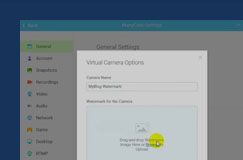
Remove the ManyCam.com WatermarkTo remove the ManyCam logo go to the ManyCam "text over video" settings.
Uninstalling ManyCamNeed help uninstalling ManyCam? This page has instructions for Mac and Windows version of our ManyCam webcam software.